Control your displays from one dashboard. Build playlists, schedule content, and keep every screen up to date.
7-day free trial · No credit card needed



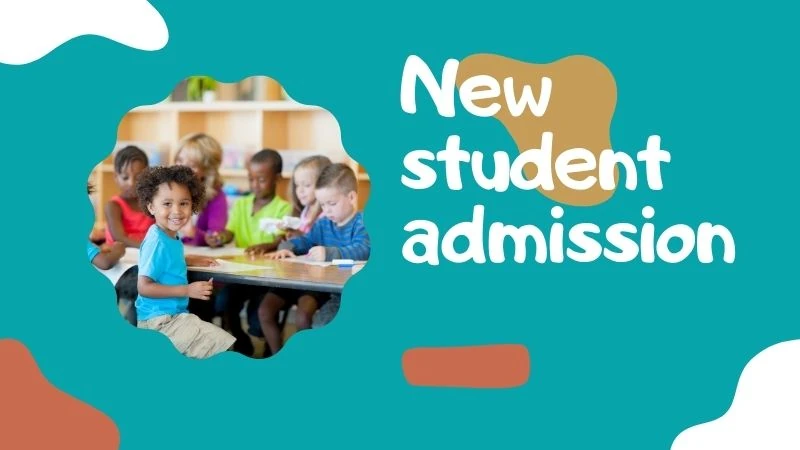

Just three simple steps to get your screen up and running.
Download the Yugna Player from the Google Play Store, Amazon Appstore, or use any web browser. Our app also supports kiosk mode for locked-down deployments.

 |
|  |
| Enter the pairing code shown on your display to connect it to your dashboard.
Create a playlist with your images, videos, or embedded content. Assign it to your screen and watch your content appear on the screen.
Control audio, orientation, rotation for each screen
Build content sequences for each screen
Schedule playlists daily or plan your week in minutes.
YouTube, news, images, videos, embeds and more..
Show announcements, weather, news and more on top of your content.
Timestamped proof-of-play data
Add owners, admins, and users with roles
Organize content across multiple workspaces
Multiple clients? Manage them all under one account with our agency features.
No special equipment needed. Use Android TV, Fire TV, Chromecast, or any browser.


Start your free 7-day trial. Access everything, no credit card needed.
Start free trial